


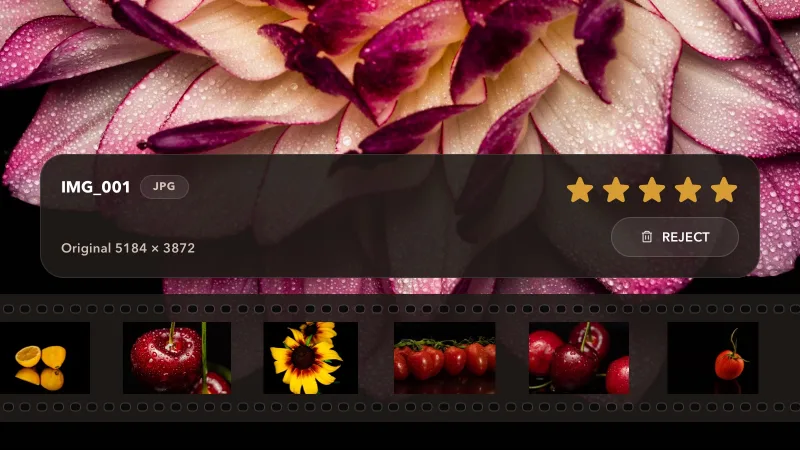
Rate and reject in full screen
Inspect a photo at 100%, rate it or mark it as a reject. Use the filmstrip to move through the shoot.
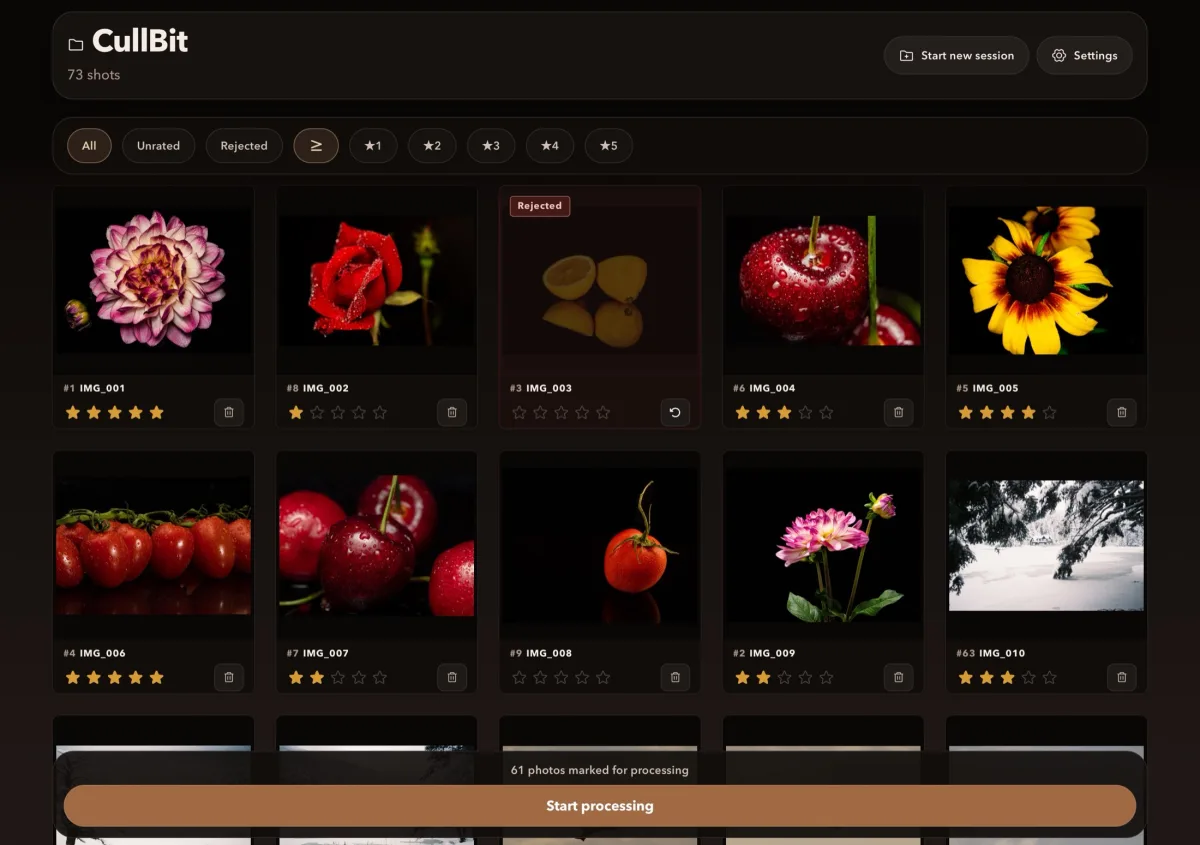
Open your camera card or a folder of photos. Review the shoot, rate the photos you want to keep and mark the rejects. Then take your selection to your favourite editor.
How it works
Choose a card, drive or folder in the Files picker.
Rate photos and mark rejects in the grid or full-screen viewer.
Choose what to do with your rated photos and rejects. Export files, save XMP ratings or move rejected photos into a separate folder.
Features
Inspect a photo at 100%, rate it or mark it as a reject. Use the filmstrip to move through the shoot.
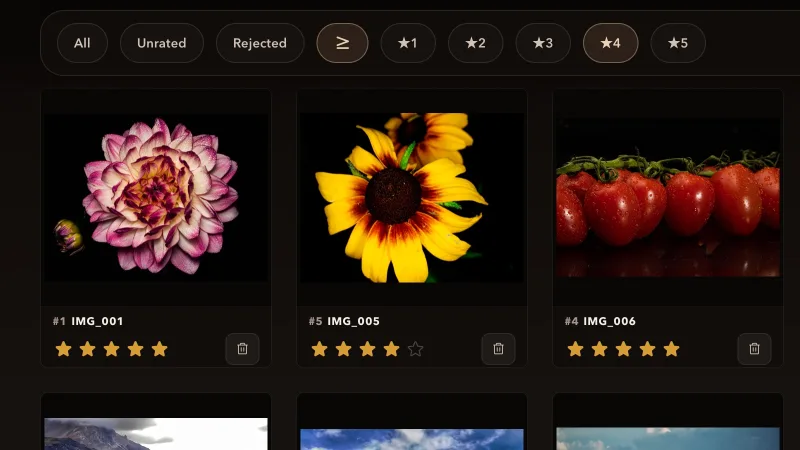
Show one rating or everything above it to review your rated photos. Undo takes back the last rating or reject.
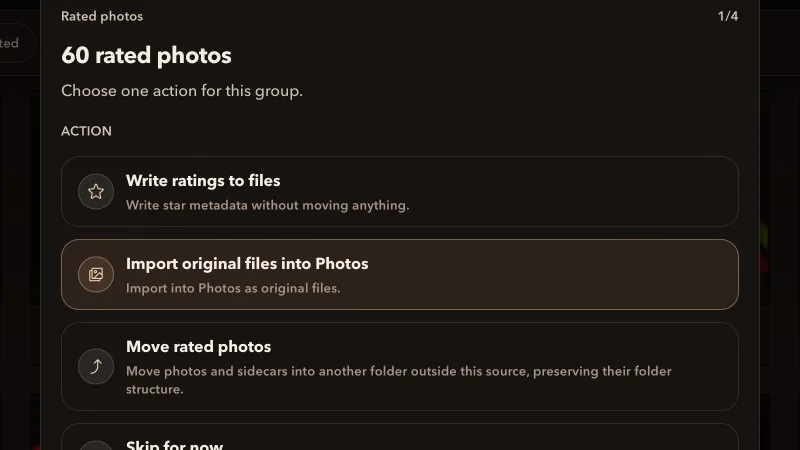
Save XMP ratings beside the originals, move rated photos and their sidecars to another folder, or import them into Photos as original files, RAW originals or JPEGs. CullBit can create JPEGs from RAW files.
Pricing
Rate and reject as many photos as you like, with every feature included. Free processes 36 marked photos at a time; Pro removes the limit.
$0
All features included
$9.99
Process your whole shoot at once
Pro is a one-time App Store purchase, not a subscription. You can restore it on devices signed in with the same Apple Account. The price may vary in your local App Store.
Available for iPhone, iPad and Mac.